 Worldstitch
Record
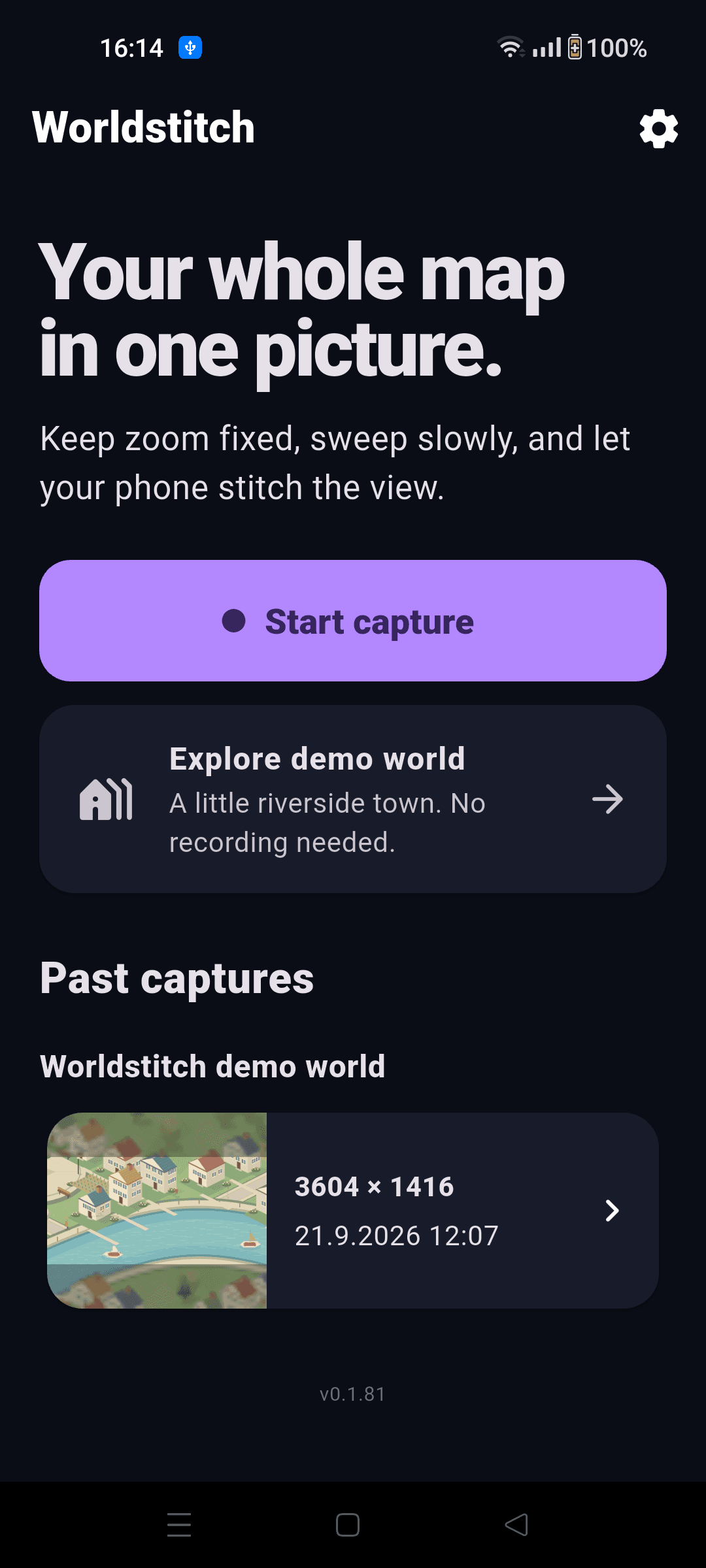
Try the built-in Demo world or open your game. Keep zoom steady and pan slowly in overlapping rows.
Record a slow pan, review your captures, and stitch one giant, shareable map. Start with our built-in Demo world — no other game needed.



Inside Worldstitch
Android · Real app screens
How it works
Try the built-in Demo world or open your game. Keep zoom steady and pan slowly in overlapping rows.
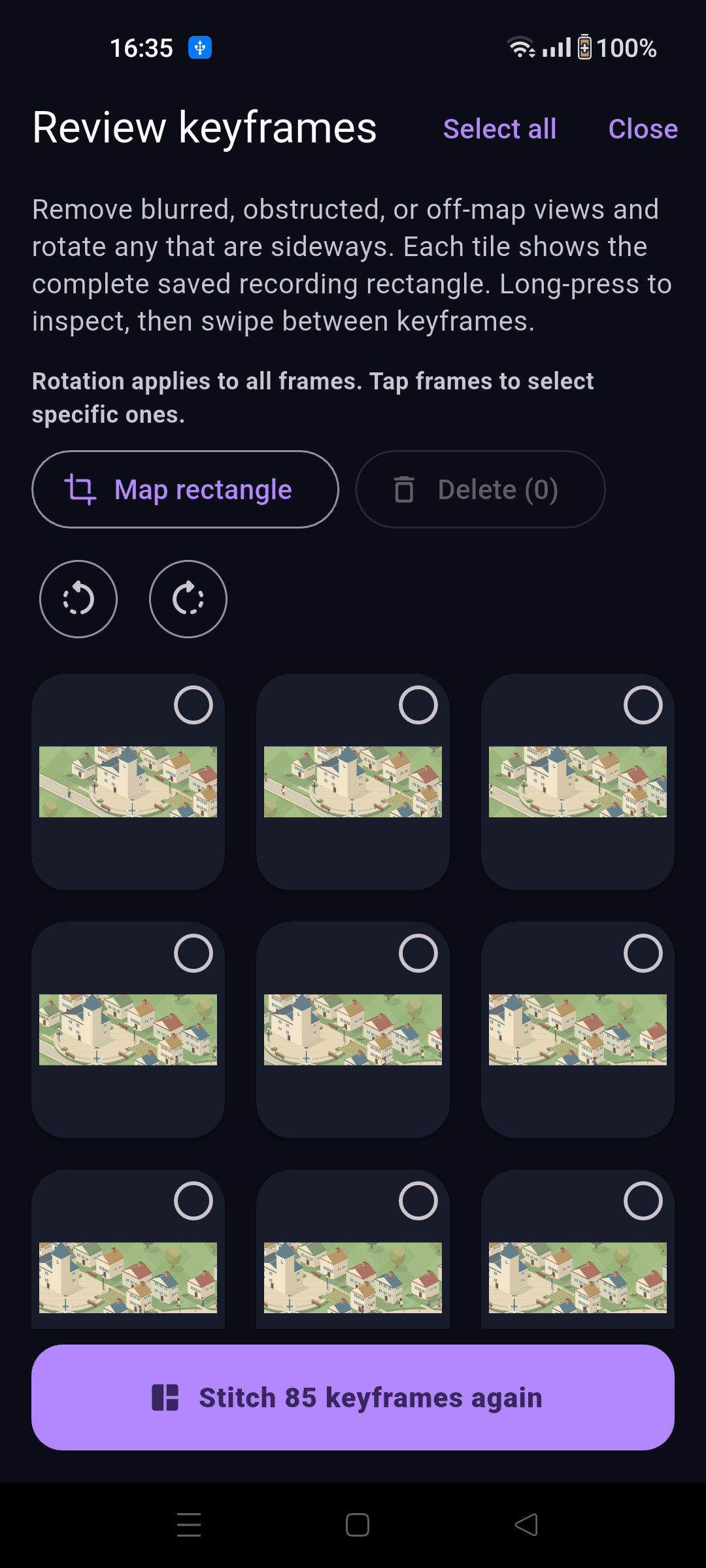
Remove unwanted keyframes, then stitch. Worldstitch lines up the overlapping views on your phone.
Explore your map, unlock the full view when you are ready, and save or share the version you can see.
Pick your platform
Android records with a floating bubble. iPhone uses a system broadcast. Follow the guide for your phone, from the first permission to your finished map.
Just want to look around? Tap Explore demo world on Home. No recording or permissions needed. To make a stitched map of the demo, enter through Start capture instead.
Early access
Tell us what you would capture. We will invite a small group of device testers first.
Yes. Start capture and choose Worldstitch demo world to record the built-in town and try the complete review and stitch flow. Explore demo world on Home lets you look around without recording or permissions.
The MVP is designed for isometric city and garden builders with a map you can pan while keeping zoom fixed.
Yes. Android uses a small capture bubble; iOS uses the system broadcast control and gives coverage feedback afterward.
Capture and standard stitching happen on-device. If you confirm AI Enhance, a copy of the finished map is sent through Worldstitch to fal.ai. If you confirm AI stitch, keyframe thumbnails and the selected game name are sent through Worldstitch and Vercel AI Gateway for Google Gemini to review. Full-resolution recordings and keyframes stay on your phone. See our privacy policy for details.
We are exploring keepsakes and prints, but first we want to make one excellent, shareable map.